





Sequence Wiz electronic health records system for yoga therapists

Step 4: Make your forms

Put your stamp on it

Activate student portals

Set up scheduling

Make your forms

Get to know your student

Create effective practices

Record student’s journey

Deepen your expertise

Design custom forms

Sending forms to your students helps you collect essential information you need to know for safety purposes, like diagnosed conditions, recent surgeries, current medications and treatments, as well as other relevant information about their lives. 


With Sequence Wiz, you can create brand-new forms or modify existing form templates. Your students can fill out forms from any device.

Public Intake Form

Public forms are designed to be used on external websites. Anybody can fill them out.

Custom Forms

Custom forms are sent directly to existing students. You can create any form you wish.

Liability Waiver

Minimizes your risk of liability with a liability waiver. Make your own or use our template.

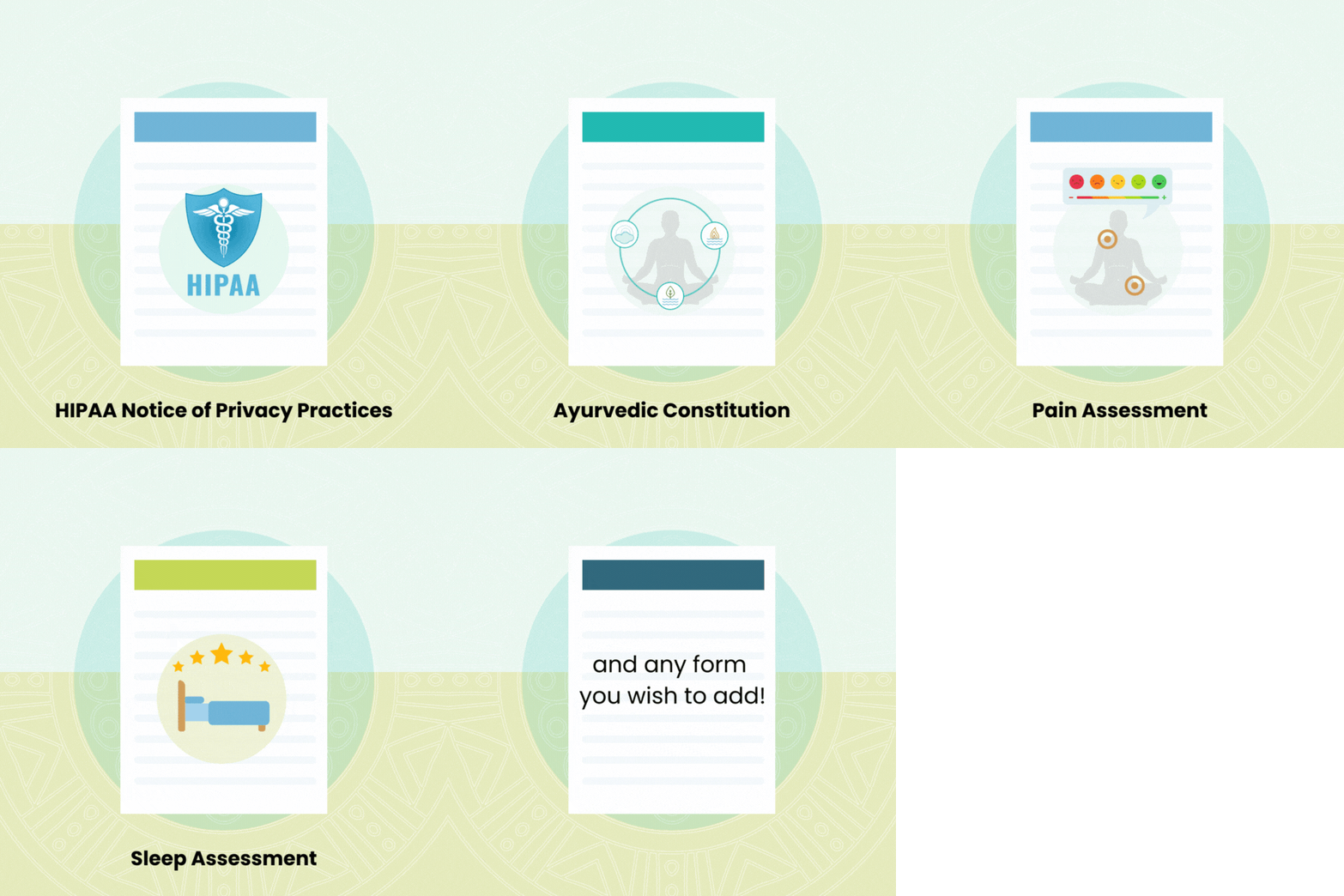
Form Templates

Choose from a variety of form templates and adapt them to your needs.

Getting started is simple:

Collecting essential information about your new students is now easier than ever. Quickly create a public Intake Form from a template and post it on your own website or the websites of other locations where you teach, add it in your email newsletter, or include it in any other place where new students might find you!  Anybody can fill out the public form, and as soon as they do it, their information will be saved to their newly created Student Profile. Once their Student Profile is created, you can send them any of your other forms directly. 

How to make a public form

You can make a public form by duplicating the public form template


How to place a public form on a website

The public form you make from a template will have a link to it in the form description. Copy that link and place it on any website you like.


You can create a brand new form or modify an existing form Template.

To modify an existing Template, go to Forms from the top menu.

Find the Template you wish to modify.

Click on Duplicate icon on the right.

A new version of the form will open. You can make any changes you wish and then click on CREATE button at the bottom. Be sure to give your form a name that is different from the template for clarity. After you save your form, you can send it to your students. You can also make changes to any of your forms at any time.

How to send any form to your student


Click on SEND EMAIL in your student’s Profile. Compose your text and click on ADD FORMs. Choose up to 3 forms and click SEND.
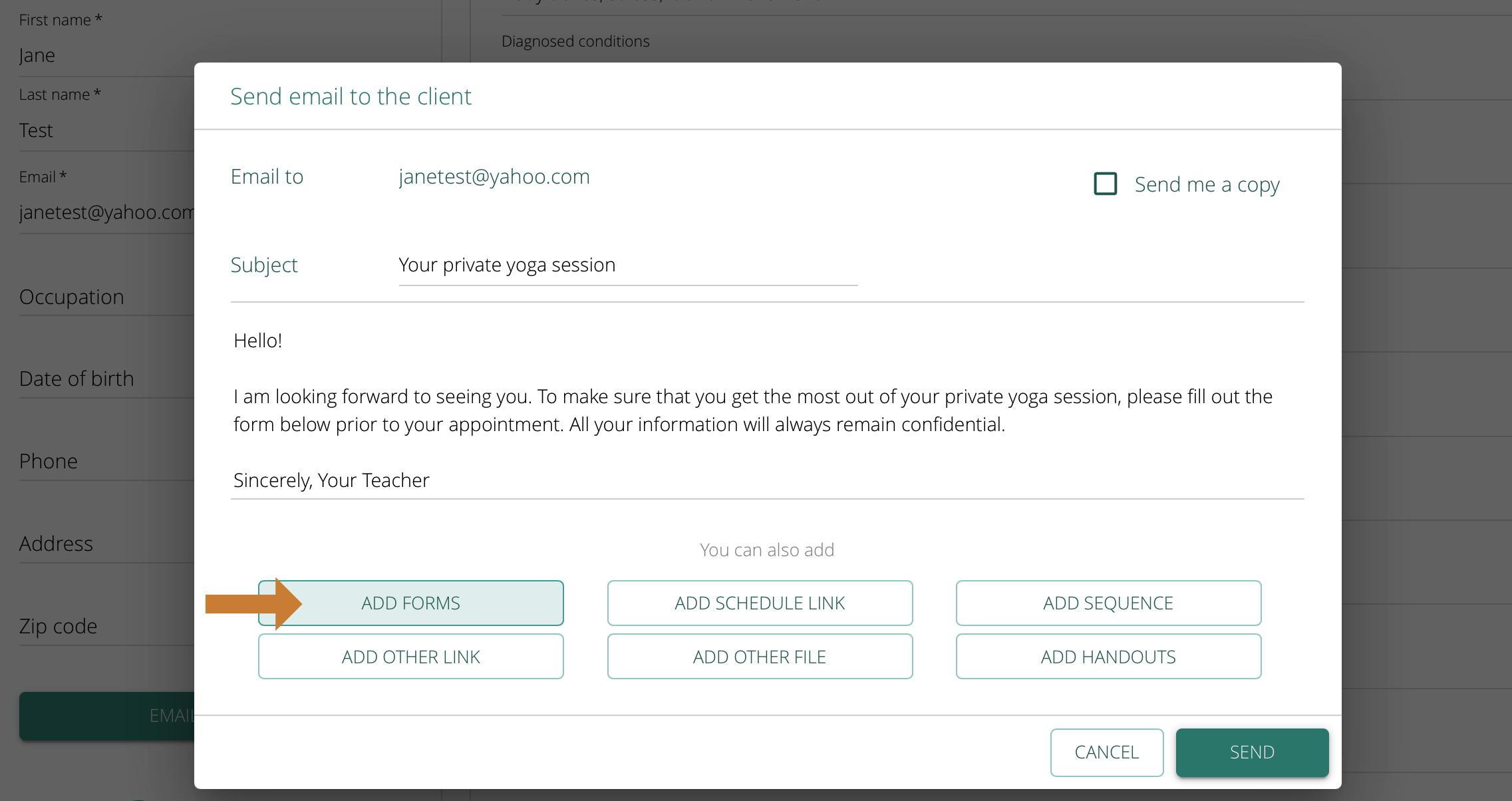
 

The student will receive an email and the form will be added to their Student Profile.

 

Make a public form

Do you need any help?

Visit out HELP SITE to find answers to all your question or fill out the contact form on the site to get help.